Explore a composition from words
Specify what the viewer should notice first, where it sits in the frame, and what surrounds it. A text brief lets you explore a visual direction before gathering reference material.
Work out the look of your next project with Veo 3. Use a text brief or a reference image to explore a standalone visual, a storyboard idea, or a frame you can later bring into a short video.
Develop the visual brief
An AI image generator can help you decide what belongs in the frame. Explore the subject, surroundings, and composition here, whether the result will stay a still image or become an input for video.
Specify what the viewer should notice first, where it sits in the frame, and what surrounds it. A text brief lets you explore a visual direction before gathering reference material.
Use a reference to guide the subject, color palette, or setting. Explain which details matter and what you want to change, using the inputs supported by your selected model.
Choose an available aspect ratio with your post, presentation, or video frame in mind. Leave room for any text or layout you plan to add during editing.
Review the displayed credit cost before generating. Check your account for any starter credits awarded to you; their amount and validity depend on your account's offer.
Still images with a purpose
Use these visual concepts as inspiration for a product scene, a story setting, or a lifestyle composition. Evaluate your own generated drafts against the brief you want to develop.
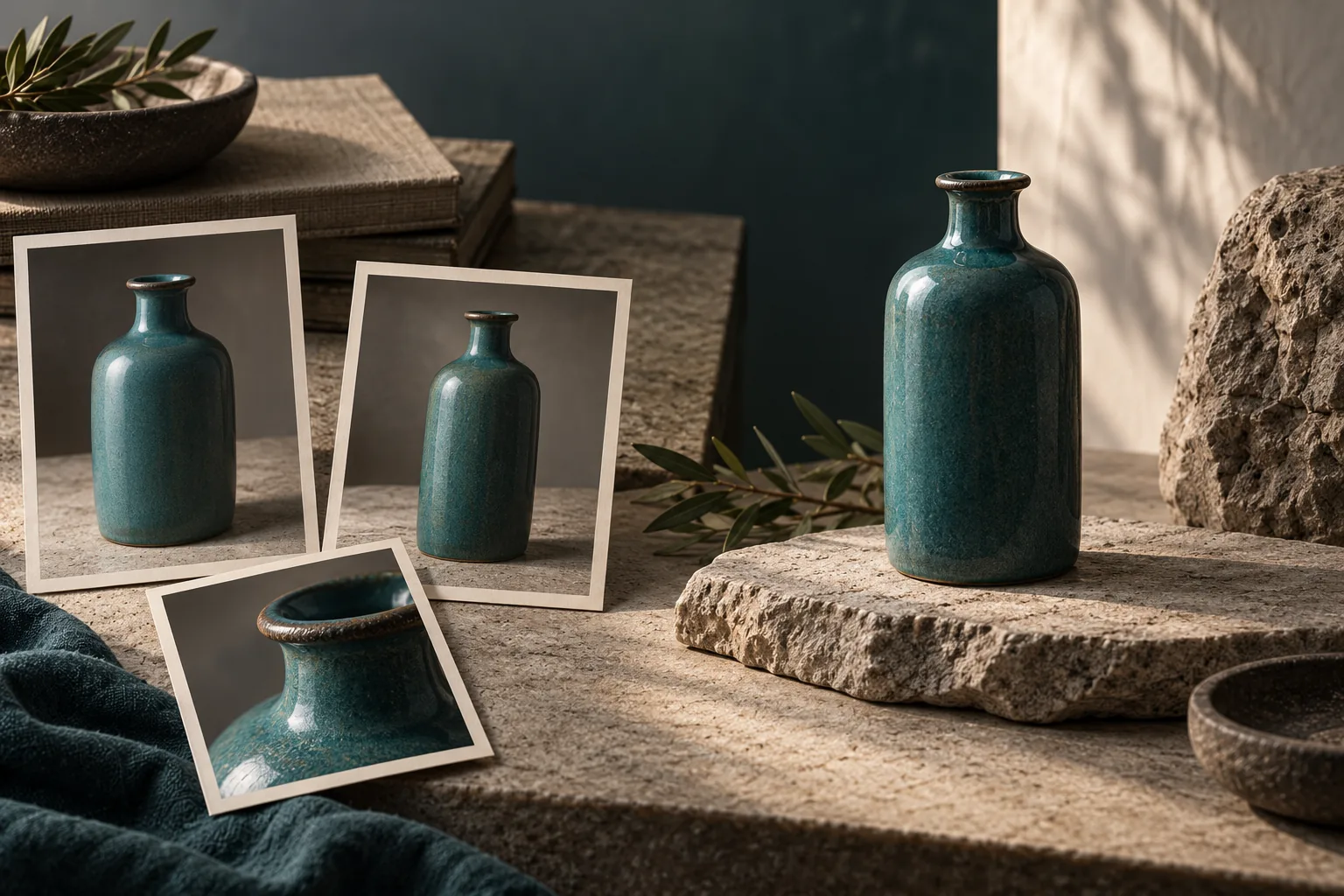
Explore how surface, light, and empty space frame a product. Use the image to discuss a campaign direction or plan the composition of a later video shot.
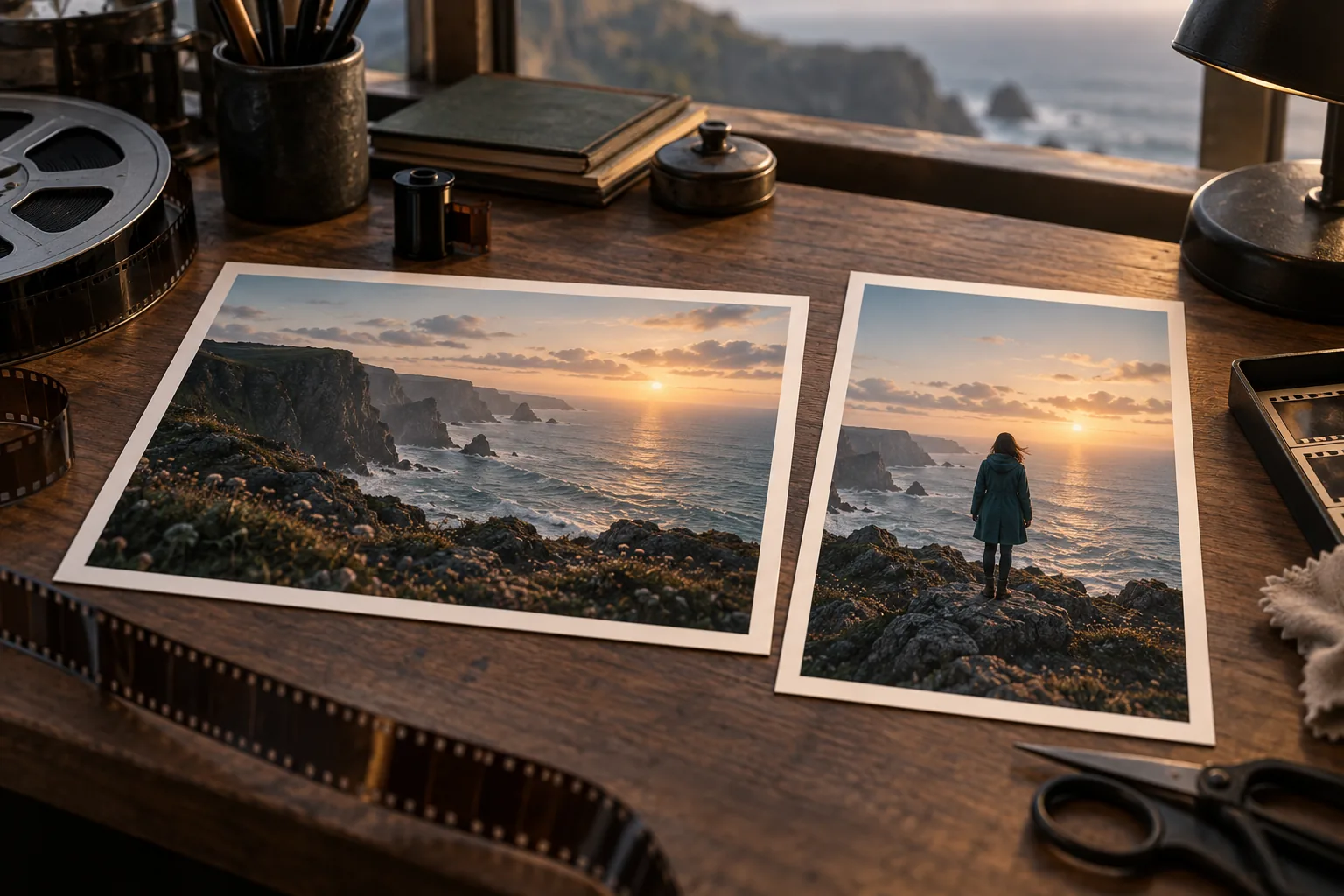
Work out a location, palette, and atmosphere for a story. A still image gives you a visual starting point when you write the action for a short scene.
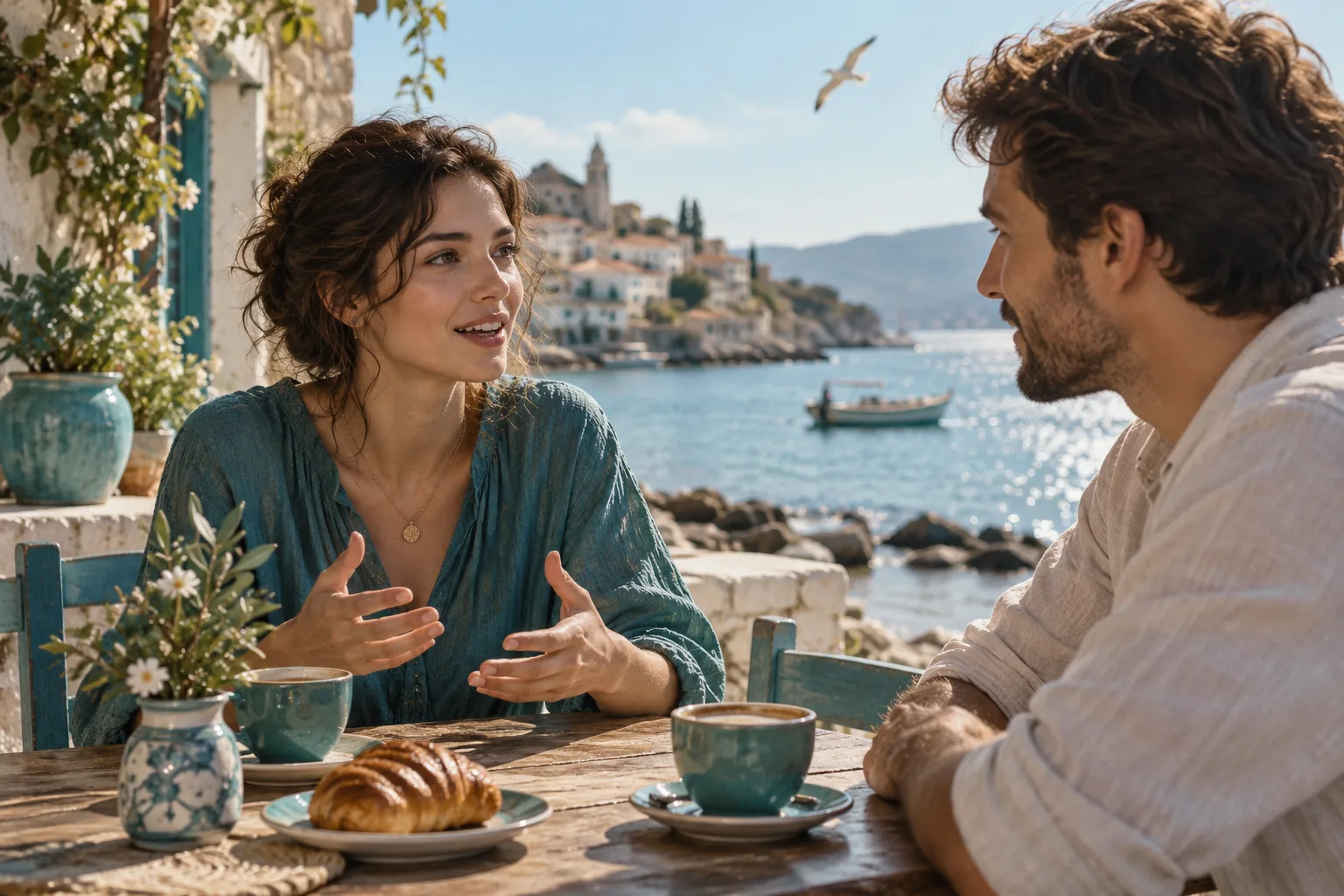
Explore light, character relationships, and mood in an everyday scene. Use the still for composition discussions or a video reference after reviewing the people and setting.
Build a useful image draft
Give each attempt a specific purpose. A draft is easier to assess when you know whether you are choosing a layout, exploring a setting, or preparing a starting image for video.
01
Decide whether you need a standalone image, a storyboard concept, or an opening frame. Choose the subject and the part of the frame that matters most.
02
Describe the subject, viewpoint, light, and background. Add an authorized reference when it helps explain a detail that words alone leave unclear.
03
Check the selected image model, available format controls, and credit charge. Make sure your account has enough valid credits for the task.
04
Check shapes, unwanted text, and important details. Change one instruction for another attempt, or use the reviewed image as a reference in the video generator.
AI image generator questions
What to check about starter credits, reference images, the default model, and using an image in a video workflow.
Any starter credits awarded to your account appear in your balance. Check their amount and expiry alongside the generator's displayed cost. A complete image generation requires enough valid credits for the selected model and settings.
Say whether the image should guide the subject, composition, palette, or a specific change. Use the upload limits shown for the selected model, and provide only material you are authorized to use.
This page opens with Nano Banana 2 Lite. The model picker also lets you choose other available image models. Review the controls and credit cost after switching, because supported inputs and settings can differ.
Identify the detail that matters most and make it explicit in the next prompt. Check the subject's shape, hands, text, and background before using a result. Each new generation is another attempt and consumes the displayed credits.
Yes. Open the AI video generator, select a mode that accepts an image, and upload the reviewed result. Write a separate motion brief for the subject and camera; the still image alone does not define how the scene should move.
Create with the Veo 3 AI image generator
Write a focused visual brief, check the available settings and credit cost, then generate a draft you can review for a design or a short video.